Home / Home services and trades / SB-032
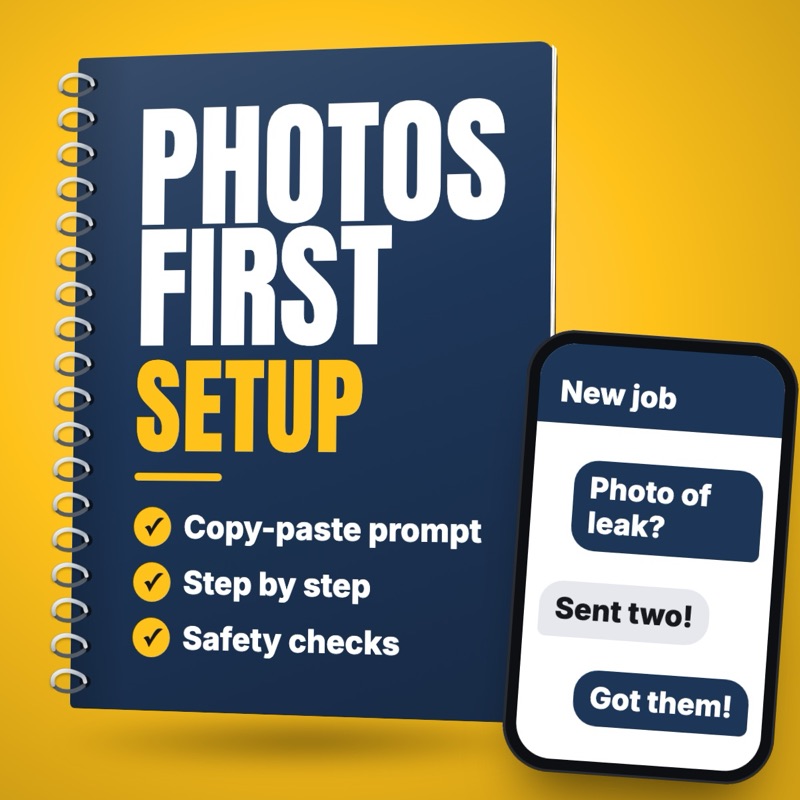
Get photos and job details before you drive out to quote
Turn a new job request into a short message asking for photos and details, then a one-page job sheet the owner can quote from or book a visit.
- Who it suits
- Trade and home service owners, estimators, office staff
- Time saved
- About 30 to 60 minutes for each drive-out you skip or better prepare for (estimate)
- Level
- Easy
- Updated
- Oct 31, 2026
Why this task
You give up an hour of Tuesday afternoon to look at a "small" job, only to find it is three times the size, outside what you do, or a tire kicker who just wanted a number. Meanwhile, the paying work waits and the invoices pile up for tonight. An agent can take each new request and draft a short message asking for the photos and details your crew needs, then pull the answers into a job sheet. The owner looks it over and decides: quote it, book a visit or pass.
You help the office staff at [BUSINESS NAME], a [PLUMBING, ROOFING, LANDSCAPING OR OTHER] company in [TOWN], get the details we need before anyone drives out.

Our question sheet (use only this):
[PASTE JOB TYPES, QUESTIONS AND PHOTO ANGLES FOR EACH, AND THE JOBS WE DON'T TAKE]
Our urgent list: [PASTE THE WORDS AND WHO TO CALL]
Our texting service's stop line: [COPY IT HERE]
How we write: [FOR EXAMPLE: FRIENDLY, SHORT, NO JARGON]

New request: [CUSTOMER FIRST NAME | WHAT THEY SAID, WITH ANY STREET ADDRESS OR PHONE NUMBER REMOVED | TEXTS OK: YES OR NO]
Answers so far, if any: [PASTE THEM WITH ANY STREET ADDRESS OR PHONE NUMBER REMOVED, OR NONE]

Do this:
1. If the request contains anything on our urgent list, stop. Write only: [CALL NOW] and the reason.
2. If the job is on our do-not-take list, draft a short, kind note saying so, mark it for the owner to approve, and write nothing else.
3. If we have no answers yet, draft one message that greets them by first name, asks for up to three details and two photos, and tells them to keep people and private items out of the pictures.
4. If we have answers, write a job sheet with: the job in plain words, each answer as given, photos received, what is still missing, and anything for the owner to look at.
5. Never give a price, a time window or a guess about the cause. You have not seen the photos, so don't describe them.
6. Do not invent details. Mark anything unclear [CHECK].
7. For any message to the customer: a text runs under 300 characters with the stop line last. Without TEXTS OK: YES, write an email instead, 90 words at most.

Do not send anything.
Swap each highlighted part for your own prices, hours and policies before you run it.
Steps
- Write a question sheet for your three or four most common jobs: what you need to know, which photos help, and which jobs you don't take.
- Add your urgent list: words like gas smell, sparks or water near power, and what the office does when one shows up.
- As each request arrives, add the customer's words and your sheet to the prompt below. Take out any street address or phone number first.
- Read the message and send it from your own texting or email service. Text only people who agreed to get texts from you, and phone anyone who would rather talk.
- Look at the photos yourself. Ask customers to keep people and anything private out of the shots.
- Take any street address or phone number out of the answers, then paste them back in to make a job sheet. The owner decides whether to quote, book a visit or pass.
- Treat any quote from photos as a starting number, and say in writing that the price can change once you see the job.
What you get
A short, friendly message that requests only the details and photos your crew needs for that kind of job, then a one-page job sheet with what the customer said and what is still missing. Urgent requests are flagged for a call, and no draft gives a price.
What could go wrong, and what to double-check
Someone with a dangerous problem gets a form instead of help.
CheckYour urgent list stops the draft and flags a call, and the office reads every request.
The customer treats a photo-based number as a final price.
CheckThe prompt bans prices, the owner quotes, and any quote says in writing that it can change after seeing the job.
A good customer finds the questions annoying and calls the next guy.
CheckThe message stays to three details and two photos, and the office phones anyone who would rather talk.
A person who said no to texts gets one anyway.
CheckThe prompt writes a text only when the request says TEXTS OK: YES, each with the stop line.
Photos show kids, faces or private papers, or addresses end up in your AI (artificial intelligence) chat.
CheckThe message tells customers what to leave out, a person views the photos, and you take the street address out before pasting.
Related setups
Explain a repair estimate in plain words with good, better, best options
Rewrite your own repair estimate as a plain explanation with good, better and best options, using only your prices and warranty terms.
Turn a missed-call voicemail into a job ticket and a callback text
Turn each missed-call voicemail transcript into a filled-in job ticket and a short callback text for the owner to check and send.
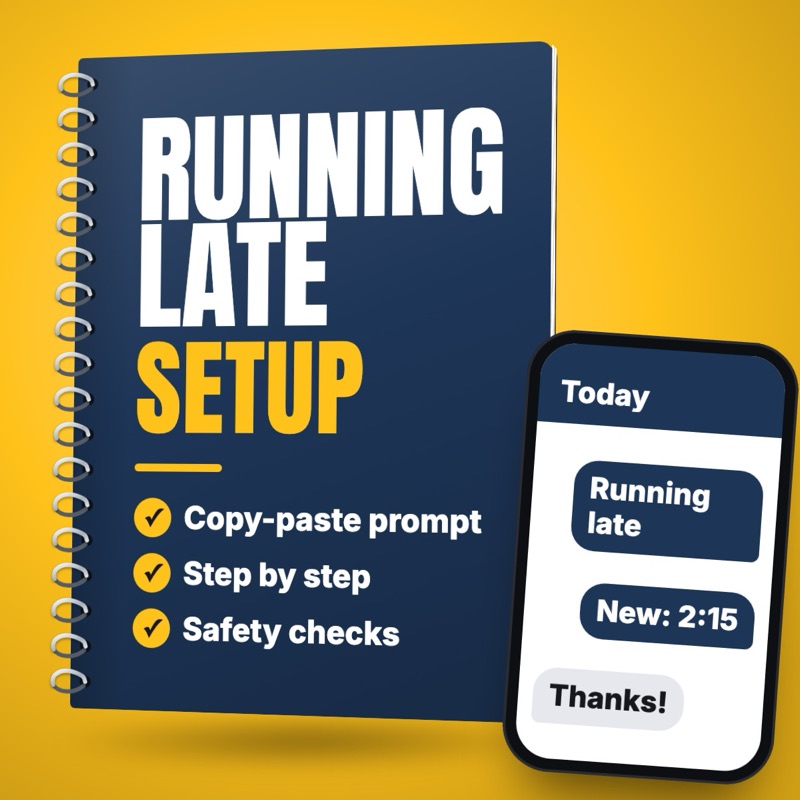
Text arrival windows, and a heads-up when a crew runs late
Draft the night-before arrival window text and a short running-late text from your schedule, so the office or tech can check and send them fast.